
ENRETA
October 26, 2026
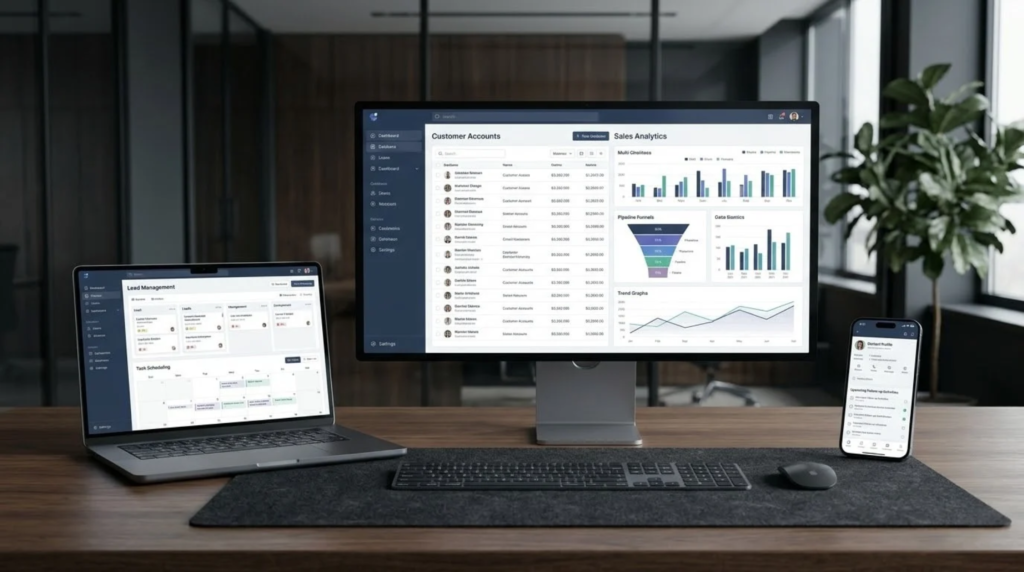
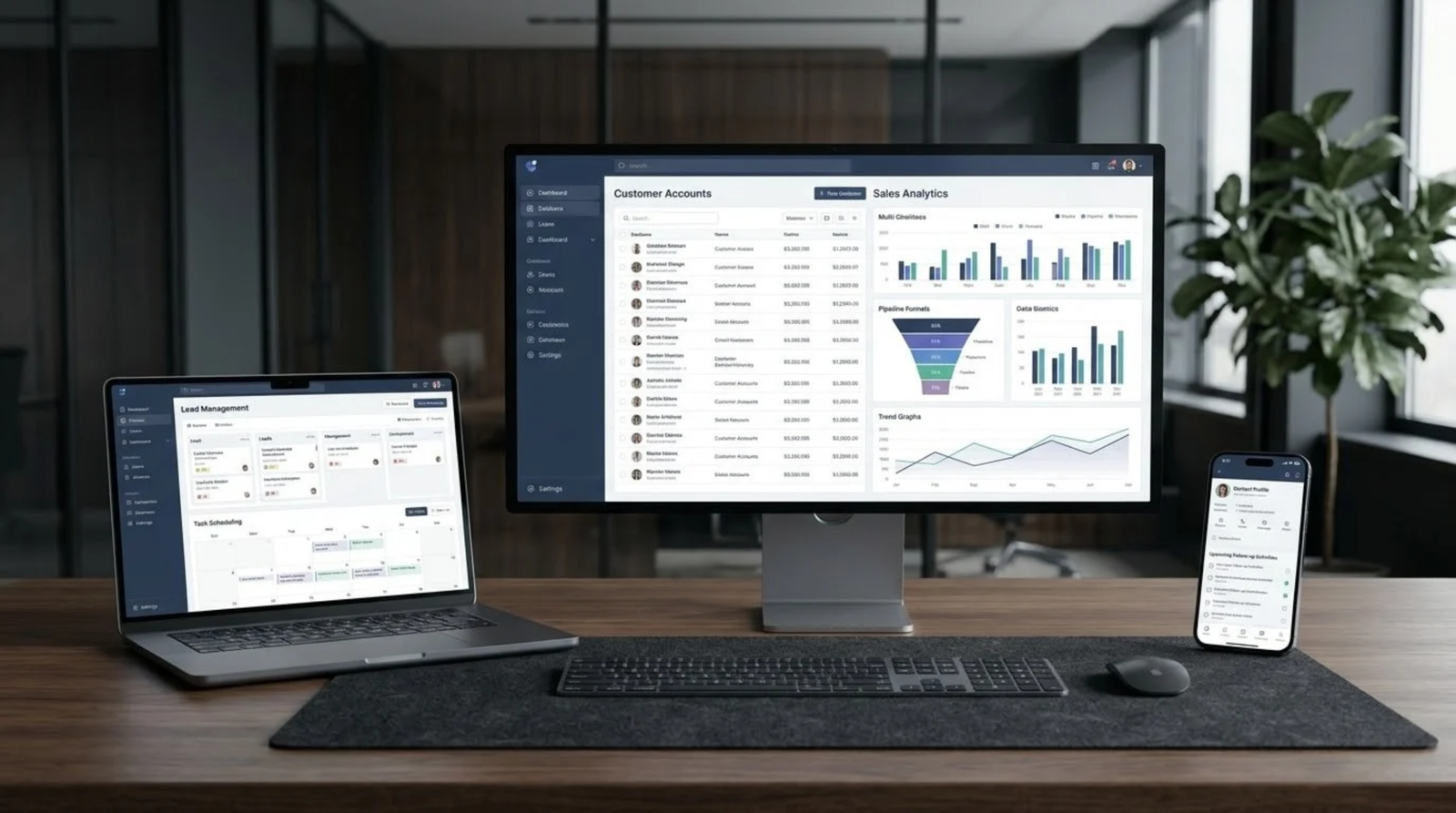
CRM software development for growing businesses means building a customer relationship system around your own sales process, so every lead, follow-up and customer record lives in one place instead of across spreadsheets, chats and memory.
If your team keeps asking “who called this customer last?” or “where did that enquiry go?”, your business has probably outgrown informal tracking. This guide explains the signs, what a custom CRM actually does, how it compares with ready-made tools, and a step-by-step roadmap for building one. It comes from the software team at ENRETA, based in Ganj Basoda near Bhopal.
Two or three of these is enough reason to look at a proper system.
A CRM, or customer relationship management system, stores every contact and interaction in a shared database. A custom version adds stages, fields and reports that match how your business really sells. In practice it usually handles:
| Factor | Ready-made CRM | Custom CRM |
|---|---|---|
| Setup speed | Fast, often same day | Slower, built to a plan |
| Fit with your process | You adapt to the tool | The tool adapts to you |
| Monthly cost pattern | Per-user subscription | Build cost, lower recurring fees |
| Integrations | Limited to what is offered | Connected to your own systems |
| Ownership of data | Vendor platform | Your own database |
Neither option is always better. A tiny team with a simple process may be well served by a ready-made tool. A business with a distinctive sales flow, several branches or special reporting needs often benefits from a custom build. For a wider look at that decision, see the ENRETA discussion on custom versus ready-made software on the ENRETA blog.
Start with the features that remove daily friction:
Advanced items such as automated messages, quotation generation and dashboards can follow once the habit of using the system is established.
Instead of chasing a headline price for CRM software development for growing businesses, ask what drives it: the number of user roles, the complexity of your pipeline, integrations with billing or messaging tools, report requirements and data migration effort. A clear feature list agreed up front is the best protection against delays and surprise charges. Small enterprises can also check the support schemes listed on the Ministry of MSME website before finalising a budget.
A CRM only works if your team actually uses it. That is why ENRETA builds around people and process first, and code second:
ENRETA plans the system around your existing process, builds in stages and keeps you involved at each step. If your website also needs attention, a website redesign can feed leads straight into the new CRM.
A spreadsheet stores rows of data. A CRM adds shared access, reminders, pipeline stages, history and reports, so the whole team works from one live record.
No. Growing businesses with a few staff members often benefit most, because they feel the pain of scattered leads while still being small enough to change habits quickly.
It depends on scope. A focused first version can be ready in a matter of weeks, while larger systems with integrations take longer.
Yes. Website enquiry forms can send leads directly into the CRM so nothing depends on manual copying.
In a custom build, your business controls its own database, subject to the hosting and agreement terms you set with your developer.
Need CRM software development for your growing business? Tired of leads scattered across chats, calls and spreadsheets? Share your current sales process with the ENRETA team, and we will help you shape it into a practical first version of your CRM.
Call: +91-8319549316
Write to: info@enreta.in
Visit: Enreta Services Pvt. Ltd, Semar Wali, Mill Rd, Ganj Basoda, Madhya Pradesh 464221
Website: https://enreta.in/
Request a quote or consultation today.
The best CRM for a growing business is the one your team actually uses every day. Map your sales process, start with the features that remove daily friction, and improve in stages. When you are ready to turn scattered leads into one clear system, ENRETA is here to help.





WhatsApp us